MK Airport: A Free EFB App for Your Gate in MSFS 2024
October 24, 2026
News
4 min read
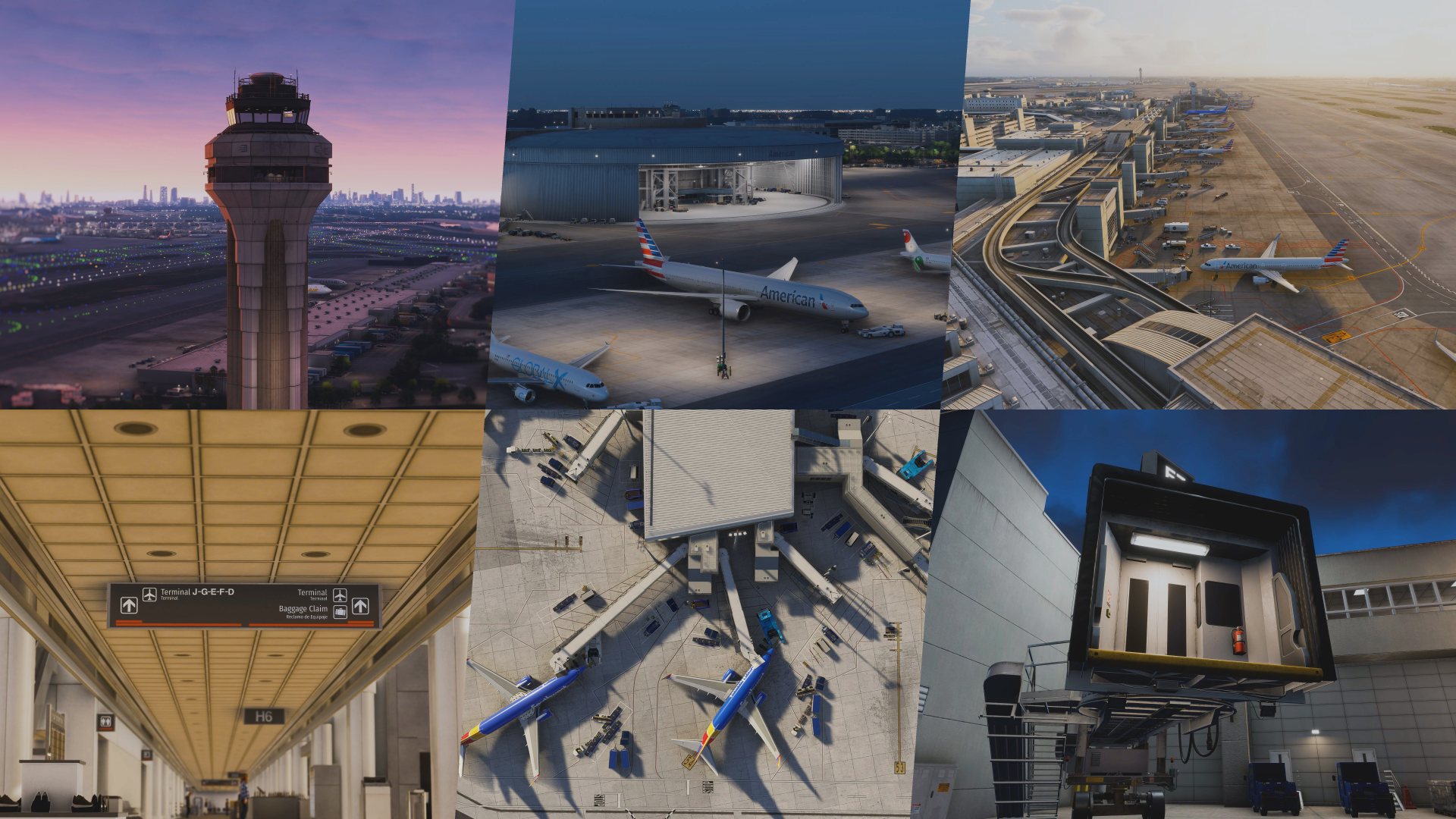
MK Airport is a free EFB app for Microsoft Flight Simulator 2024 that puts the ground side of MK Studios airports on your in-sim tablet. It is available now at Miami International (KMIA).
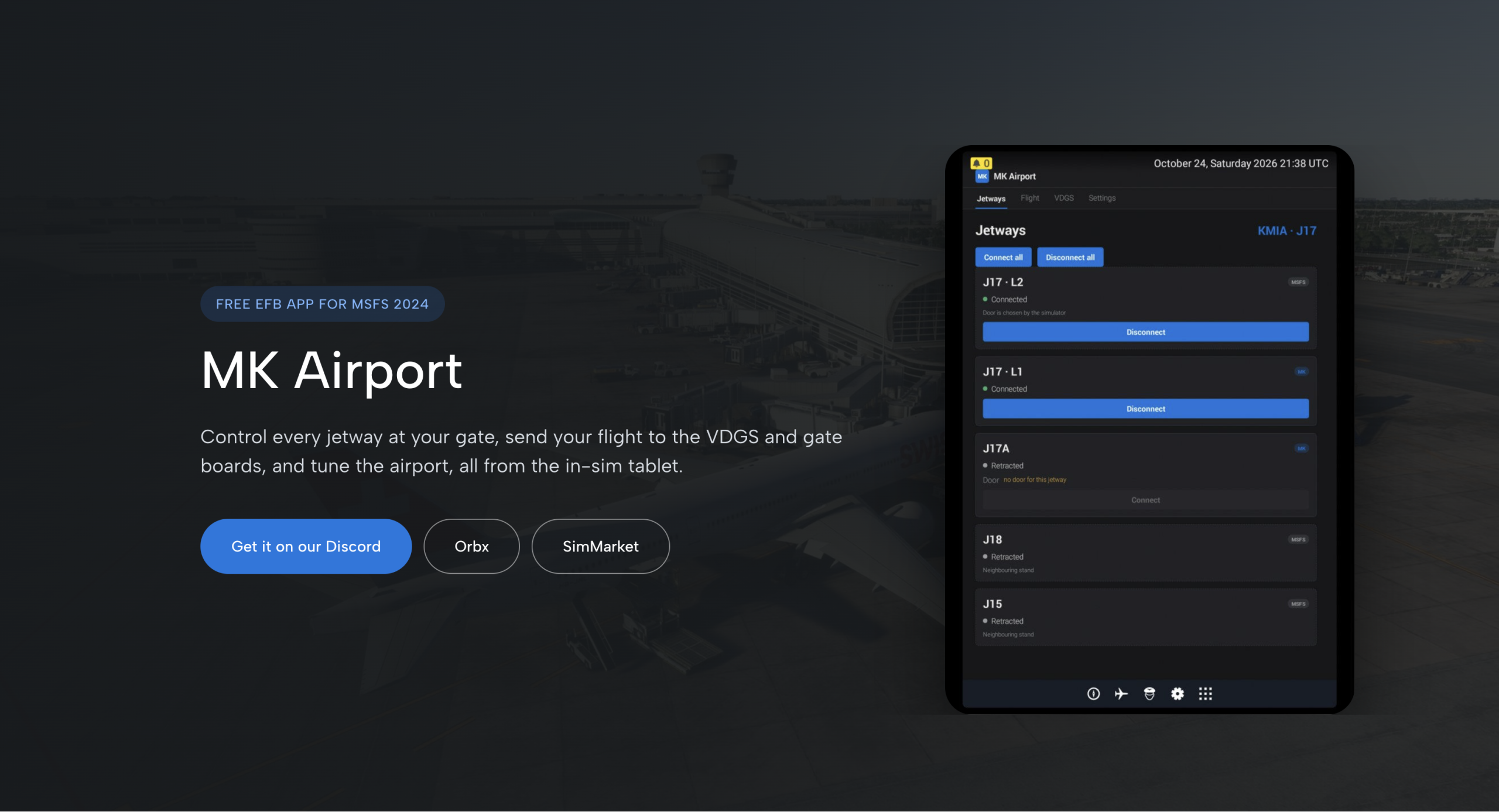
Control every jetway at your gate, send your flight to the VDGS and gate boards, and tune the airport, all from the in-sim tablet. You can get it for free from our Discord, Orbx or SimMarket.
Every jetway at your gate, working together
MK Airport shows every MK Studios and MSFS jetway at your stand on one screen. Connect them door by door, or press Connect all. The MSFS jetway goes first, then the MK Studios jetways move to the free doors in an order that keeps them clear of each other.
MK Studios gates can have two or three jetways, including upper-deck bridges, and the app moves them like the real thing:
- One jetway per door. Doors behind the wing are skipped, and upper-deck bridges only serve upper-deck doors.
- Automatic doors. The aircraft door opens when a jetway attaches and closes before it leaves.
- Follows the MSFS jetway. Call the default jetway from the sim menu, ATC, GSX or your aircraft, and the MK Studios jetways come along.
- Safe departure. Start moving with a jetway still attached and it pulls away by itself.
Import your flight from SimBrief
Import your latest SimBrief flight plan with just your SimBrief username or User ID. No login is needed. Prefer to do it by hand? Enter the flight manually: callsign, flight number, destination and TOBT.
Press Apply and your flight goes straight to the VDGS and the gate boards. Enter TOBT in UTC (Z), as shown in SimBrief, and the gate board converts it to local airport time.
A VDGS and gate board that follow your flight
The docking guidance shows your callsign, TOBT and minutes to off-block, and guides you to the stop position. Prefer GSX? Switch ours off in one tap. You can also show your own message on the screens.
The board at the gate shows your airline logo, flight number, destination, aircraft type and departure time in local airport time. The status changes on its own as departure gets closer:
- ON TIME from the moment you apply your flight until boarding starts, together with the boarding time.
- BOARDING from 30 minutes before departure.
- LAST CALL from 5 minutes before departure.
- DEPARTED after the TOBT has passed.
How it works
- Install. Get MK Airport for free from our Discord, Orbx or SimMarket, and install a supported MK Studios airport. From Discord, extract the zip and move the mkstudios-airport-tools folder into your MSFS 2024 Community folder. Versions from Orbx and SimMarket install through their own apps.
- Park at the gate. Open MK Airport on the EFB tablet, import your flight and follow the VDGS to the stop position.
- Connect all. One tap connects every jetway at your stand. Doors open automatically and close again before departure.
You do not need the app to use the airport. Without it, the VDGS still guides you in and MK Studios jetways follow the MSFS jetway. The app adds manual jetway control, flight data for the displays and airport settings. Performance impact is very small: VDGS screens are simplified at a distance, and airport effects such as steam and smoke are off by default.
Compatibility and supported airports
MK Airport works with MK Studios airports that include the MK Airport module. More airports and more gates with MK Studios jetways will support it over time.
- Simulator: Microsoft Flight Simulator 2024.
- Airports: Miami International (KMIA). Gate J17 has the MK Studios multi-jetway with an upper-deck bridge. All other gates use MSFS jetway control. More airports are coming.
- Aircraft: Any aircraft with correctly set up doors. If the default MSFS jetway docks to it, MK Studios jetways will too. Some study-level aircraft use their own door system, so open the door from the aircraft’s menu or EFB.
- GSX: Fully compatible. When GSX calls the MSFS jetway, MK Studios jetways follow.
- Price: Free.
Follow our Discord for announcements about the next MK Studios airports.
For developers and scenery partners
Most aircraft need no integration: if they call the default MSFS jetway, MK Studios jetways follow. For direct control, aircraft developers can use these L-vars. They do nothing outside MK Studios airports, so they are safe to set unconditionally.
L:MK_JW_CMD(write): 1 = connect all, 2 = disconnect all.L:MK_JW_CONNECTED(read): number of attached jetways.L:MK_JW_BUSY(read): 1 while any jetway is moving.L:MK_AIRPORT_MODULE_READY(read): 1 once the airport module has started.
Making airports for MSFS? We offer cooperation for scenery developers who want MK Airport jetways and gate boards at their airports. For the full documentation or to talk about a partnership, contact us on Discord or through the contact form on mkstudios.pl.
Get MK Airport for free
Download MK Airport from our Discord, Orbx or SimMarket, and see it at gate J17 in Miami. More answers and troubleshooting are in our full FAQ.
Established in 2013, MK Studios is an independent software and game studio located in Warsaw, Poland.